Capture while sleepy
Voice, quick drafts, and offline-safe entries help you get the dream down before details fade.
Voice capture, AI reflection, visual memory
Capture dreams before they fade, turn entries into visuals and comics, and track the themes that keep returning.
Reflection prompts
Biometric lock
Voice, quick drafts, and offline-safe entries help you get the dream down before details fade.
Dream art, comic recaps, and Insight Lens give each entry something you can return to.
AI helps you notice symbols and patterns without telling you what your dream has to mean.
Three Pillars
DreamStream gives you the full loop: capture the story, reflect on it later, then revisit it through visuals and patterns.
Log in seconds with voice, text, and quick capture. The flow is designed for sleepy mornings.
Get a plain-language read on emotions, dream signs, and themes, with prompts you can use or ignore.
See the dream as art, comic panels, and annotated symbols using your Digital Twin.
Dream Journey
Record the dream in under a minute using voice or Quick Capture.
Dream signs, emotional themes, and reflection prompts appear when the entry is ready.
See the dream as art, comics, and symbolic overlays.
Spot patterns in Dream Activity, Radar, and Deep Insights.
Feature Deep Dive
Each feature is tied to the screen, visual, or ritual users meet inside DreamStream.
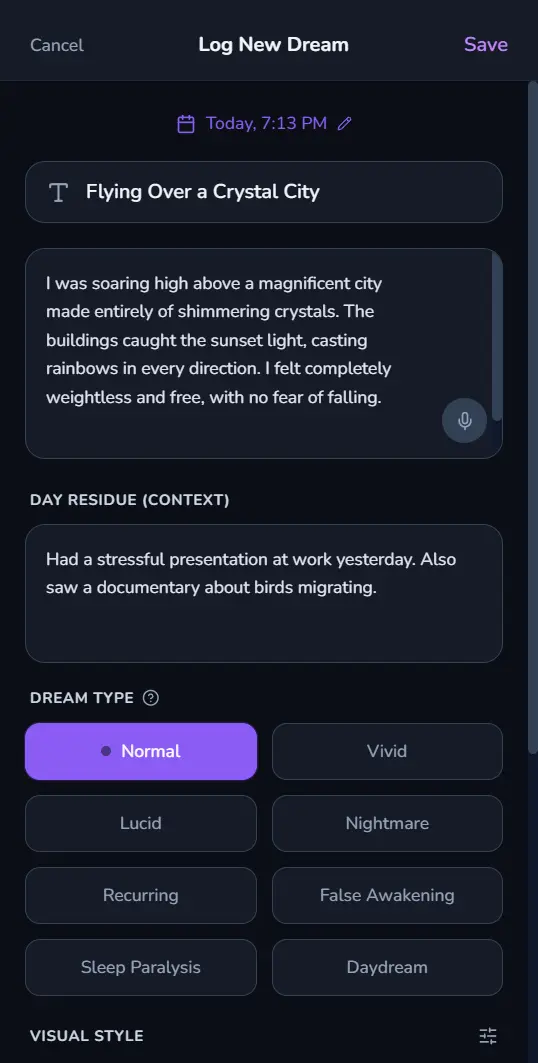
Dream Logger with voice mic button, emotion chips, and draft states
Capture
DreamStream is optimized for the first moments after waking. Log by typing, dictation, or one-tap audio drafts, then sync the rest later.
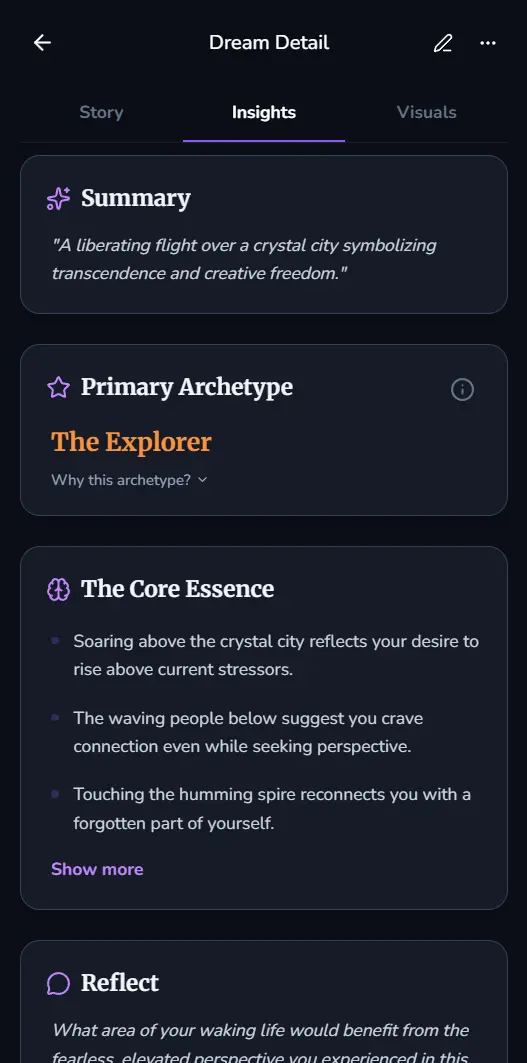
Insights tab with summary, dream signs, symbolic role card, and next-step prompts
AI Reflection
DreamStream turns an entry into a plain-language summary with dream signs, emotional themes, and questions that help you reflect.

Visuals tab showing hero image, comic strip, and Insight Lens slider
Visual Studio
Turn a dream entry into a hero image, comic recap, and Insight Lens view that make the scene easier to revisit.
Nightmare Healing
For nightmares, DreamStream guides you through a step-by-step Imagery Rehearsal Therapy flow so you can rewrite the ending in your own words.
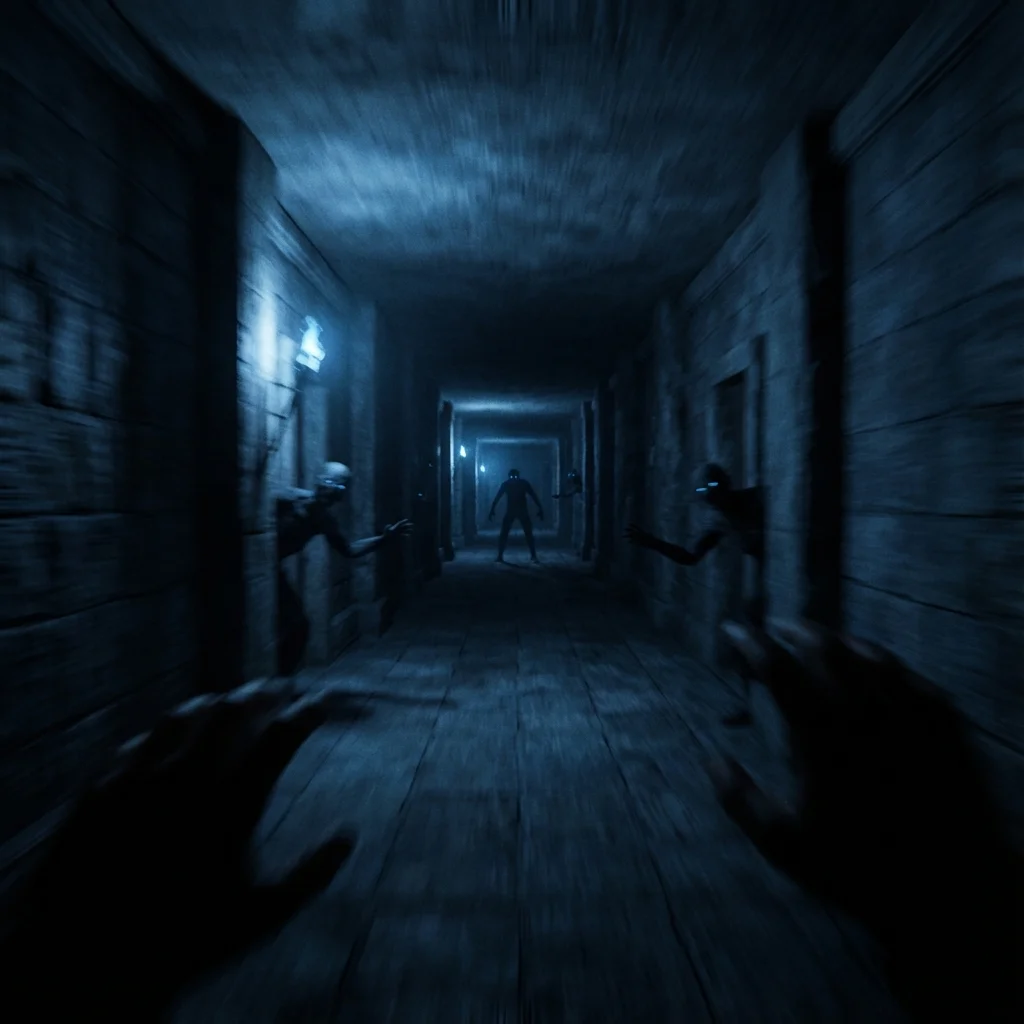
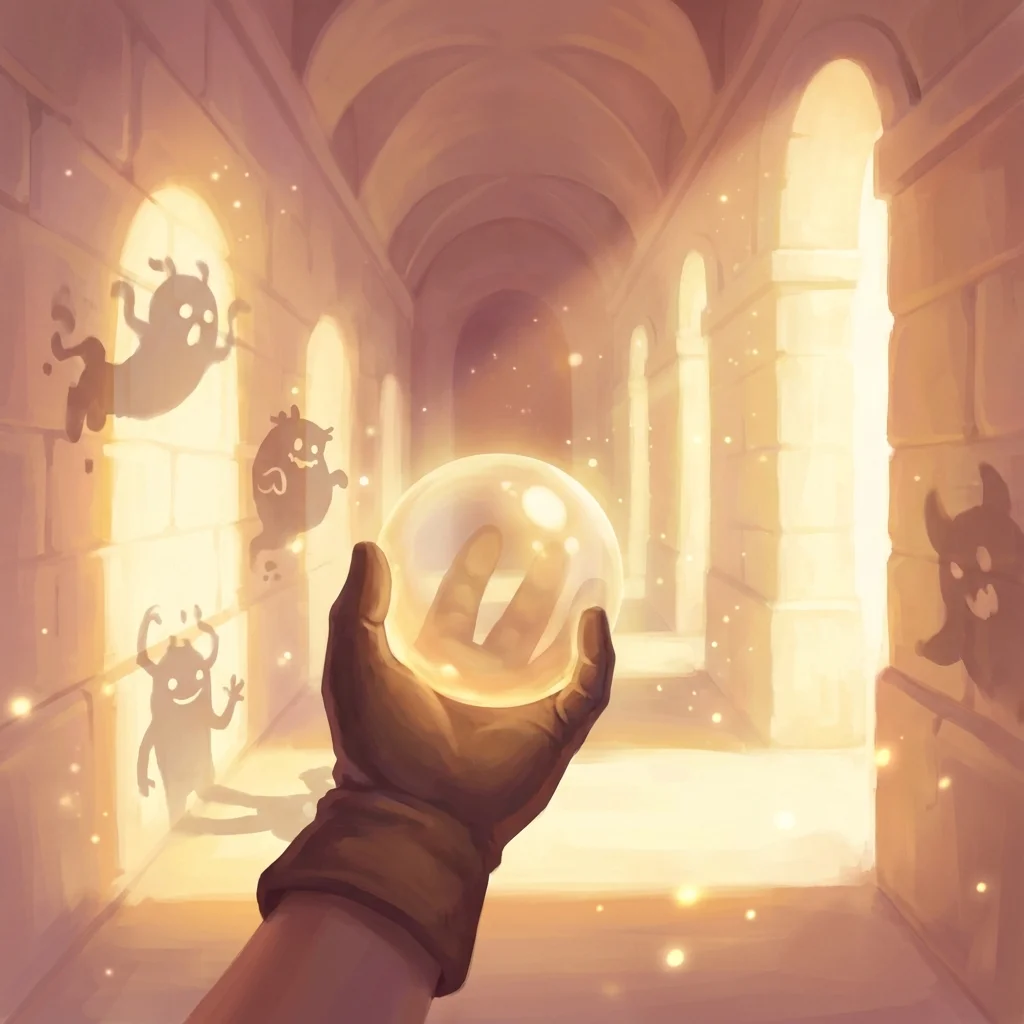
Nightmare Healing wizard with rescript editor and healing image preview
Dream Guide + Rituals
Dream Guide chat can use recent dreams for context. Pair it with Dream Whispers and Morning Uplift when you want a nightly reflection ritual.
Talk through your dreams, then set intentions
Dream Guide chat can use recent dreams for context. Pair it with Dream Whispers and Morning Uplift when you want a nightly reflection ritual.
Live voice sessions with a calming audio visualizer
Dream Whispers pre-sleep guided audio
Morning Uplift briefings to connect insights to the day
Insights & Patterns
Track streaks, dream types, and emotional trends so repeating people, places, and feelings are easier to notice.
Dream Activity
Privacy + Native Trust
Biometric lock, export tools, and privacy controls help keep your dream journal private across devices.
Start your journal, see your dream visuals, and unlock the patterns behind your subconscious.
Download on the App Store